
How do I access my file?
As soon as your file is opened, you have access to our client area, available at all times from a computer, tablet or phone.
To log in, click “Track your file” and enter the email address associated with your file: an access code is sent to you by email. No password to remember.
In your client area, you can:
- follow the status of each of your files (in progress, hearing to come, settled);
- view important dates and the notes left by your lawyer;
- upload your documents securely: notice of hearing, driving record, evidence, driver’s licence, your version of the facts;
- review and sign your mandate.
So that your documents are attached directly to your file and processed faster by the lawyer in charge, we suggest you upload them to your client area. You can also send them by email to info@solutionticket.com. Please avoid text messages.
Trouble logging in? Call us at 514 990-7884, 7 days a week, 8 a.m. to 8 p.m.
Other frequently asked questions
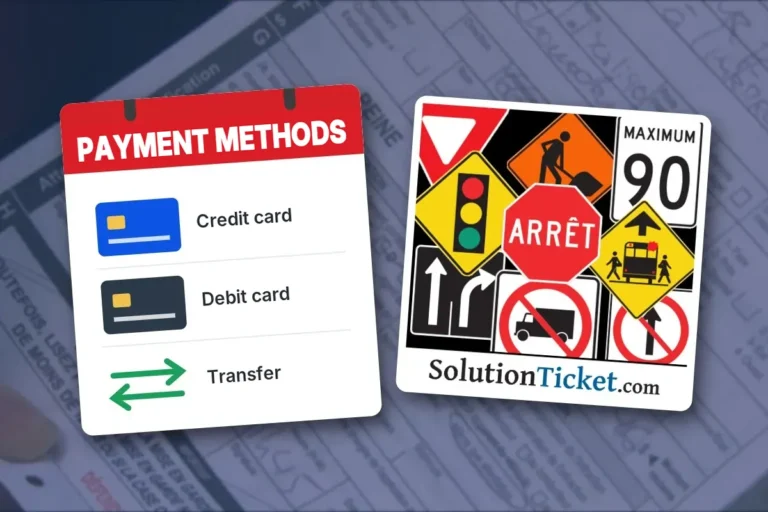 Can I pay differently?
Yes. In addition to online payment by credit card (Moneris) or PayPal, we accept: Interac e-Transfer, to the address we give you…
More details →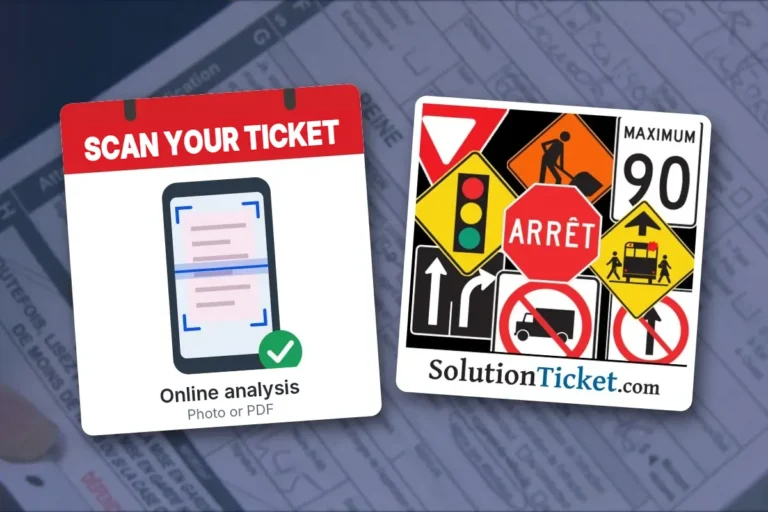 How Do I Know if My Statement of Offence Can Be Contested?
Use our Scan Your Ticket tool: take a photo of your statement of offence or upload it as a PDF. The tool…
More details →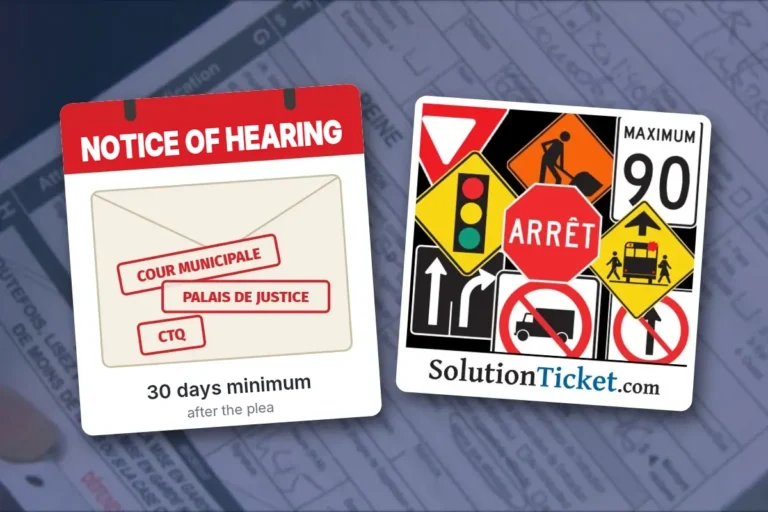 How long should I allocate to receive my notice of hearing?
After receiving your not-guilty plea, the court prepares your file and sends you a notice of hearing stating the date, time and…
More details →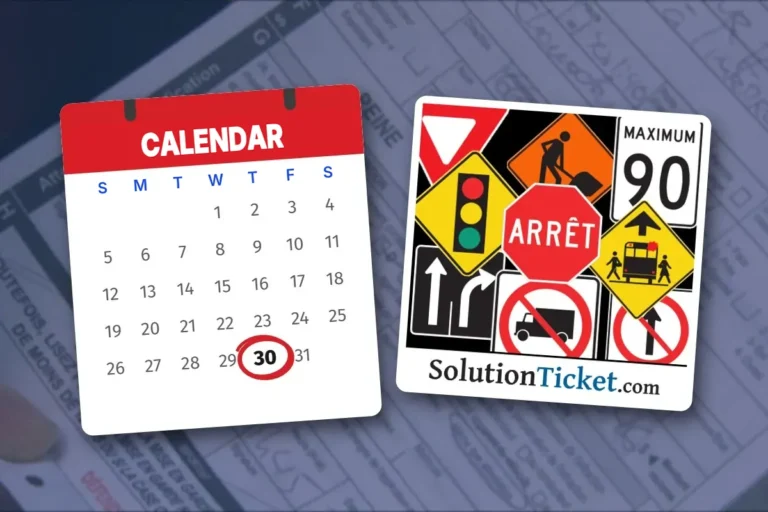 How much time do I have to dispute my ticket?
You have 30 days from the service of the statement of offence (the date you received it, in person or by mail)…
More details → I believe there is a mistake on my ticket
It happens more often than you think. A statement of offence is written quickly, often at the roadside, and it may contain…
More details → I was found guilty without being able to defend myself in court?
I was found guilty without being able to defend myself in court Yes, there is a remedy. If you were found guilty…
More details → I Was Found Guilty: Can I Appeal?
Yes, in certain cases. An appeal allows you to challenge the judge's decision where the judge made an error of law or…
More details → I’m a truck driver or fleet owner. Can you help me?
I’m a truck driver or fleet owner. Can you help me? Yes. We represent truckers, heavy vehicle owners and operators (PEVL) and…
More details → I’ve been criminally charged. Can you help me?
I’ve been criminally charged. Can you help me? Yes. Solution Ticket is a criminal and penal law firm. In addition to Highway…
More details → Infractions and demerit points
In Quebec, most Highway Safety Code offences carry, in addition to the fine, demerit points that are entered on your driving record…
More details → Is payment through your site secure?
Yes. Online payment is processed by Moneris, Canada’s largest payment processor, or by PayPal, at your choice. In both cases, you enter…
More details → My licence is suspended. Can I still drive for work?
Possibly. In certain cases, a judge of the Court of Québec can order the SAAQ to issue you a restricted licence, which…
More details → My vehicle has been seized. What can I do?
Depending on the circumstances, a vehicle may be seized for 7, 30 or 90 days, for example when the driver's licence is…
More details → What happens if I pay my statement of offence?
Paying your statement of offence is the same as pleading guilty. The file is then closed: you can no longer contest it,…
More details →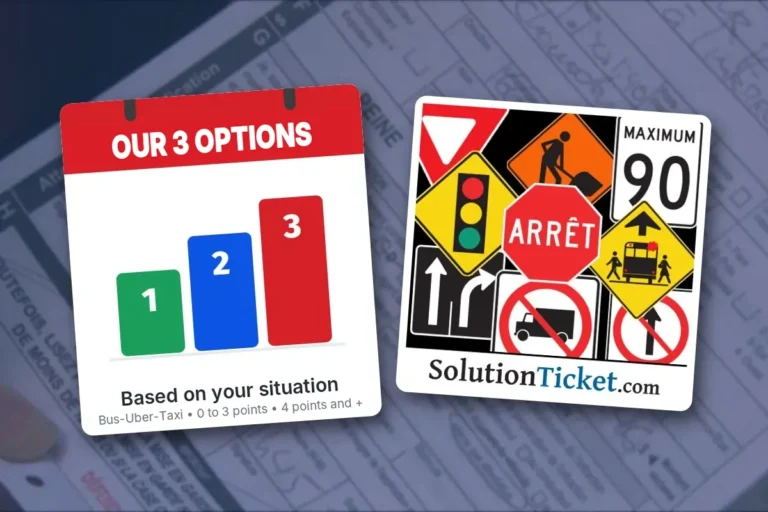 Which Service Option Should I Choose?
Which service option should I choose? Our contestation services come in three options, depending on your situation: Option 1 – Bus, taxi…
More details →
See also
Written by Antonio Alvarez, Lawyer
Solution Ticket inc.
229-3221, autoroute Laval O.
Laval (Québec) H7P 5P2
514 990-7884
www.solutionticket.com
info@solutionticket.com